
Guides
How to test football broadcast graphics before game day
Sports broadcast graphics package testing passes at the final output. Check field lines, video routing, operator cues, and recovery before game day.
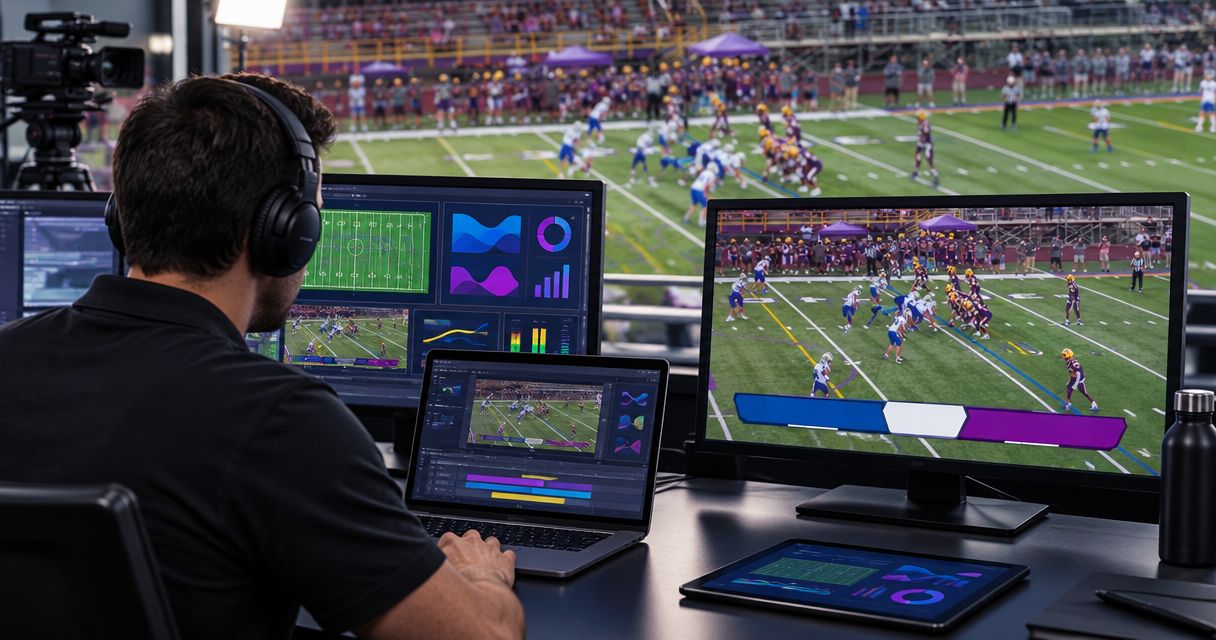
Test football broadcast graphics through the complete game-day video path, check line placement during camera movement, rehearse operator changes, and prove you can remove the graphics without losing the picture. Sports broadcast graphics package testing passes only when the audience-facing output works—not merely the graphics preview.
TL;DR
- Sports broadcast graphics package testing must check the final output, line placement, operator handoffs, and graphics removal.
- PayneXR is best for football production teams seeking Windows software for virtual field lines, logos, and sponsor graphics.
- Compare on-field graphics with a clean broadcast; keep the clean picture available when placement becomes unreliable.
- Rehearse football graphics changes with the people and video route you intend to use on game day.
Why this matters
A correctly positioned line in a software preview does not prove that your switcher, stream, or stadium display receives the correct picture. Your test must follow the signal to its destination and include the people responsible for changing it.
For your 2026 football production, start with the actual Windows computer and production equipment you intend to use. Use the computer requirements guide for football broadcast graphics to organize the hardware questions before rehearsing the show.
School crews need repeatable instructions for student and staff operators. Independent streaming crews need clear responsibilities when people cover multiple jobs, while TV broadcasters need graphics checks that fit their control-room cues and output requirements.
How do you test football broadcast graphics before game day?
Run the rehearsal in this order: establish a clean picture, connect the graphics route, test field placement, simulate football changes, inspect the delivered picture, and practice recovery. Keep a written pass condition beside every test so that different operators reach the same decision.
1. Establish the clean picture
Start with graphics hidden. Confirm that your camera picture reaches the switcher, the device or software that selects video sources, and then the intended destination.
Inspect framing, motion, and the visible field markings. Save a reference recording so you can distinguish an existing camera or transmission problem from something introduced later.
Pass condition: the production has a usable picture before any on-field graphics are added. Do not troubleshoot line placement while the underlying video route is still uncertain.
2. Trace the graphics route
Write down where video enters the graphics workflow and where the resulting picture goes next. Name each connection and device rather than describing the route as simply connected to the stream.
Check the configured resolution, meaning picture dimensions, and frame rate, meaning pictures per second, at each relevant handoff. Compare settings against your equipment documentation; do not assume matching connector shapes mean matching video settings.
Distinguish the preview monitor from the program output, which is the picture selected for transmission. Ask someone at the receiving destination to confirm what arrives.
Pass condition: everyone can identify the graphics source, the receiving input, and the audience-facing output without guessing.
3. Test field placement during movement
Use a camera view with visible yard markings. Place the virtual scrimmage line and first-down line against known field references, then inspect their alignment across the visible width of the field.
Rehearse the pans, zooms, and framing changes your camera operator intends to make. Do not assume a line that looks correct in a stationary wide shot will remain acceptable throughout those movements.
If your workflow includes player masking, check it explicitly. Player masking means keeping a graphic from covering parts of a player that should appear in front of it; treat this as a capability to verify, not an assumed feature.
Pass condition: the operator knows which views produce acceptable placement and which views require hiding or resetting the graphic.
4. Rehearse football changes
Simulate a new line of scrimmage, a new first-down target, a change of possession, and a reversal of attacking direction. Include a correction after the operator receives an updated spot.
Have the person supplying field information use the same communication method planned for the game. The test should expose unclear instructions, not just prove that someone can move a graphic with a mouse.
Pass condition: the operator receives a clear instruction, changes the correct graphic, and checks the result before it remains on air.
5. Inspect the delivered picture
Record the output after the final production stage, not only inside the graphics application. If you serve separate stream and stadium destinations, inspect each destination rather than treating one monitor as proof for both.
Look for line placement, logo visibility, sponsor artwork cropping, and readability over changing backgrounds. Check moving footage; a still image cannot demonstrate whether motion looks consistent.
Pass condition: the intended graphics remain understandable in the picture your audience actually receives.
6. Rehearse removal and recovery
Call for graphics off while the camera continues showing the field. Then rehearse restoring the graphics after checking placement again.
Name the person authorized to remove a questionable line and the person responsible for confirming its return. Keep application troubleshooting separate from the immediate decision to preserve the broadcast picture.
Pass condition: the crew can remove an incorrect graphic through a known production control and continue showing usable video.
The sequence matters: establish the picture before judging graphics, and inspect delivery before declaring the test complete. Keep these steps beside the operating position during your 2026 rehearsal.
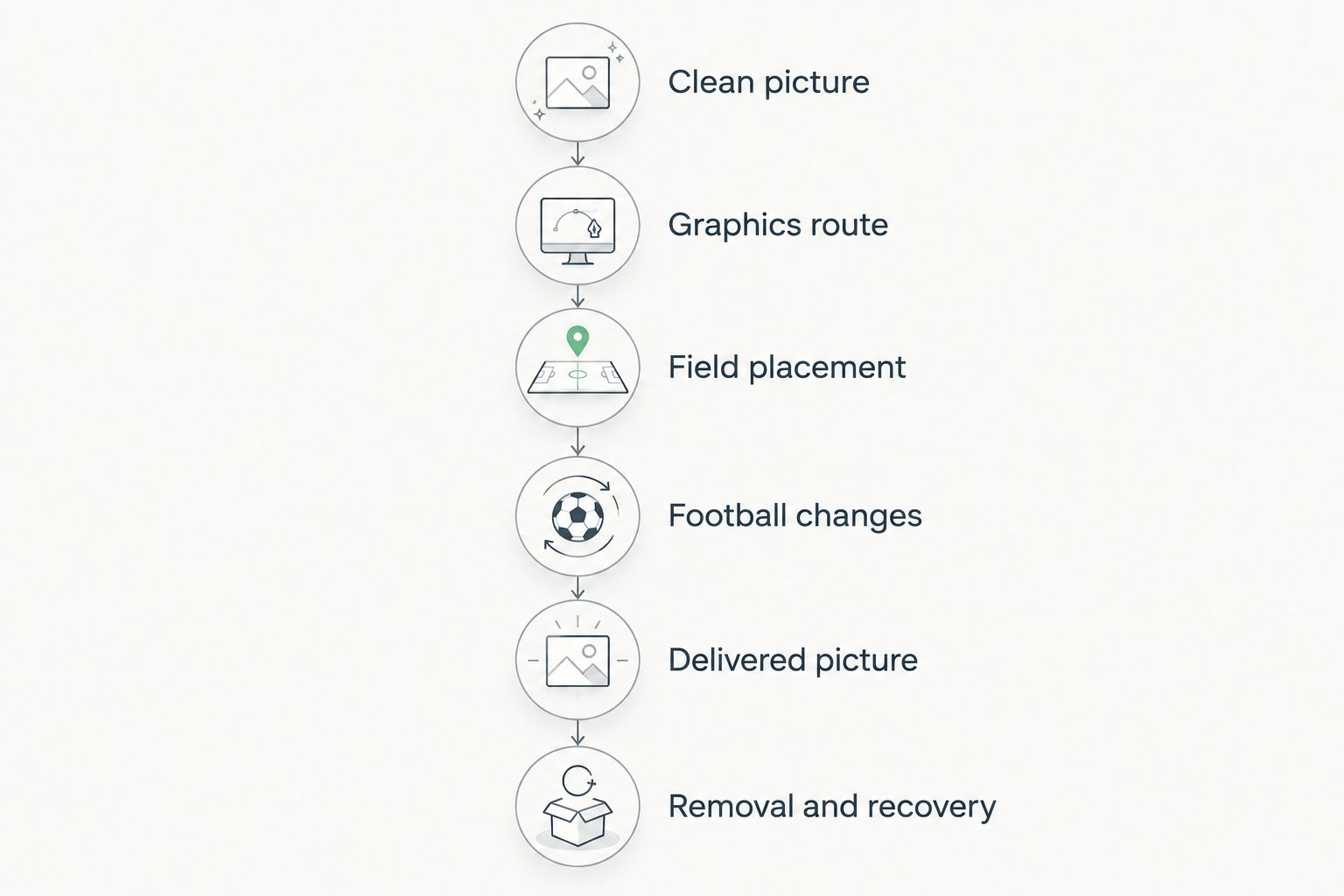
Test the complete production route before approving the graphics for game day.
On-field graphics versus broadcasting without them
Compare the same football sequence with graphics visible and hidden. This isolates what the graphics contribute and what additional work they create, without turning the rehearsal into an unsupported software comparison.
| Broadcast approach | Best for | Benefit | Limitation | Test before approval |
|---|---|---|---|---|
| On-field graphics | Crews that can verify placement and assign an operator | Show the scrimmage line, first-down target, logos, or sponsor graphics within the football picture | Incorrect placement adds misleading information; operation adds another production responsibility | Placement, updates, output routing, and removal |
| Clean video without on-field graphics | Crews prioritizing a simpler picture path or recovering from a graphics problem | Removes the need to place and update virtual field lines | Viewers do not receive those on-field visual references | Clean-picture access and continued delivery |
Keep on-field graphics only when your crew can verify their accuracy and remove them promptly. A clean picture is the fallback, not evidence that the production has failed.
PayneXR provides Windows software for virtual first-down lines, scrimmage lines, logos, and sponsor graphics on live football video. The relevant fit is a football production that wants those overlays; the constraint is that your own Windows setup and video route still need testing.
Why football graphics test results vary
Different rehearsals expose different weaknesses because the camera view, signal path, and operating responsibilities change. Keep the following factors explicit in your 2026 test sheet:
- Camera movement: test the framing changes you plan to use, not only a locked wide shot. Record any views where graphics must be hidden.
- Video routing: every receiving device needs the intended signal. A successful local preview does not verify the final destination.
- Field references: use visible markings to judge placement. Include field areas and angles that your game coverage will actually show.
- Operator responsibilities: identify who communicates the spot, who updates graphics, and who checks the result. Avoid leaving those tasks implied.
- Output destinations: inspect the stream, recording, or stadium display that belongs to your production. Approval for one destination does not replace checking another.
- Recovery controls: test the actual graphics-off action. Knowing where a control sits is different from proving the picture continues after using it.
Write the operating limitation beside the result. For example, an instruction to hide graphics during a particular camera move is more useful than a vague note that tracking looked wrong.
What should each production team prioritize?
The checks remain the same across school, independent, and television production. Change the rehearsal emphasis to match how your team works, not an assumed level of technical experience.
| Production team | Best rehearsal focus | Useful preparation | Limitation to address |
|---|---|---|---|
| School football crew | Repeatable operating steps | A short cue sheet and a supervised practice sequence | A checklist cannot replace demonstrating the controls |
| Independent streaming crew | Clear task ownership | Assign graphics updates and final-output monitoring explicitly | Shared responsibilities need a clear handoff |
| TV broadcast crew | Control-room coordination | Rehearse calls between the graphics position and program decision-maker | A correct preview does not prove the graphic is ready for transmission |
School crews: make the instructions executable
Write actions that a substitute operator can follow: confirm the direction of play, verify the spot, update the graphic, and inspect the picture. Have another crew member perform the sequence without relying on the original operator's explanations.
Keep recovery instructions on the same sheet. A student or staff operator should not need to search separate documentation to find the graphics-off procedure.
Independent crews: rehearse competing demands
Simulate the moments when the same person receives a graphics instruction while handling another production task. Decide which task takes priority and who can request that the overlay be hidden.
Do not approve a workflow solely because it works during quiet setup. Test the communication and workload together.
TV crews: verify the transmission decision
Identify who approves graphics for program and who calls for their removal. Include transitions between graphics-bearing footage and other sources if those transitions belong to your show.
Use your established control-room terminology. Introducing unfamiliar cue words during the rehearsal creates an avoidable communication problem.
What counts as a passed graphics test?
A passed graphics test proves correct placement, correct delivery, clear operation, and a working clean-picture fallback. Software launching successfully is only a starting condition.
Keep the approval record short enough to use during setup:
- Name the computer and video route tested.
- Record the accepted camera views and operating limitations.
- Identify the person who checked the final destination.
- Note unresolved faults and the action required before using graphics.
- Confirm who can remove graphics during the broadcast.
For your 2026 game-day check, repeat any affected test after changing the route, computer, camera setup, or operating arrangement. An earlier pass describes the tested configuration, not every later configuration.
Can you test football graphics without a live game?
You can rehearse routing, controls, artwork, and output recording without a live game. Recorded football footage also gives operators a repeatable sequence for practicing updates.
Treat that rehearsal as preparation rather than proof of the live camera setup. Verify the actual field view, camera movements, and receiving destination before using the overlays during coverage.
Should you test logos and sponsor graphics separately?
Yes—test logos and sponsor graphics separately from field-line placement because their approval questions differ. Check the intended artwork, position, cropping, and visibility in the delivered picture.
A correct first-down line does not establish that sponsor artwork is correct. Include a graphics-off cue for these elements as well, especially when changing the underlying video source.
FAQ
What's the first thing to check when testing football broadcast graphics?
Establish a usable clean picture through the complete production route before adding graphics. That gives you a reference for separating video problems from overlay problems.
How do I check whether a virtual first-down line is positioned correctly?
Compare the virtual first-down line with visible field markings and the intended target position. Repeat the check through the camera movements and views planned for coverage.
Is a software preview enough to approve broadcast graphics?
No—a software preview does not verify the audience-facing output. Inspect and record the picture after the final production stage.
Can a school football crew use the same testing process as a TV crew?
Yes—the core checks are placement, routing, operation, delivery, and recovery. School crews should make the instructions repeatable, while TV crews should fit those checks into their transmission cues.
What should I test with PayneXR before a football broadcast?
Test PayneXR's virtual first-down lines, scrimmage lines, logos, and sponsor graphics within your actual Windows production setup. Verify placement, operator updates, delivered output, and the ability to remove graphics.
What should I do if a virtual field line looks wrong during the game?
Hide the questionable graphic through your rehearsed production control and keep the clean picture on air. Check placement before restoring the overlay.
Do I need to repeat graphics testing after changing equipment?
Repeat the checks affected by the equipment change. A different computer, connection, camera setup, or receiving device changes what your previous rehearsal established.
One last thing
Test the decision to show nothing. During your final 2026 rehearsal, deliberately call for an overlay to be withheld until its placement is confirmed.
That exercise tests judgment as well as controls. With PayneXR football graphics or any other on-field workflow, the crew needs permission to protect the picture rather than display an unverified line.