Weekly
$75
for 7 days
A flexible option for shorter productions.
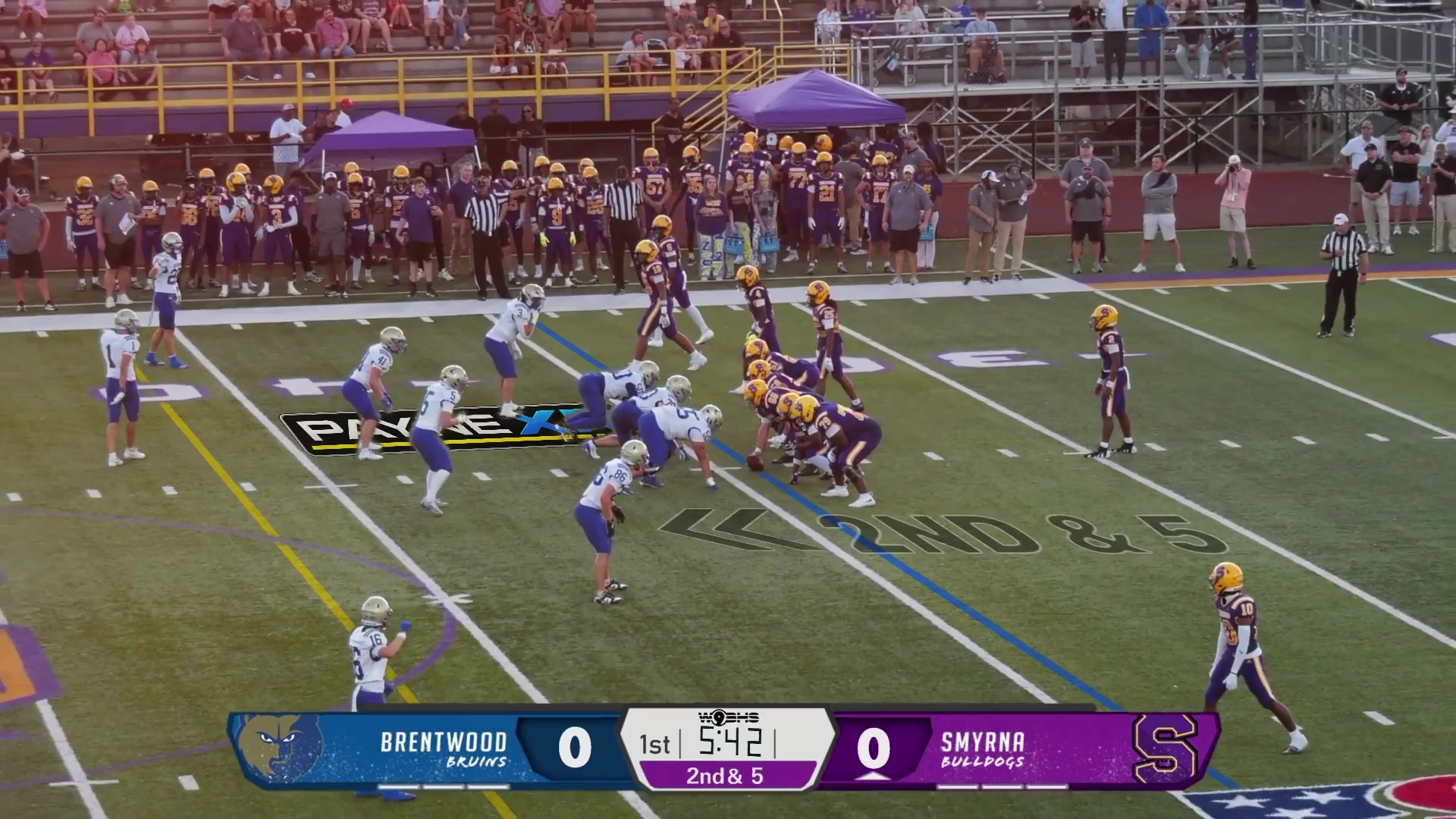
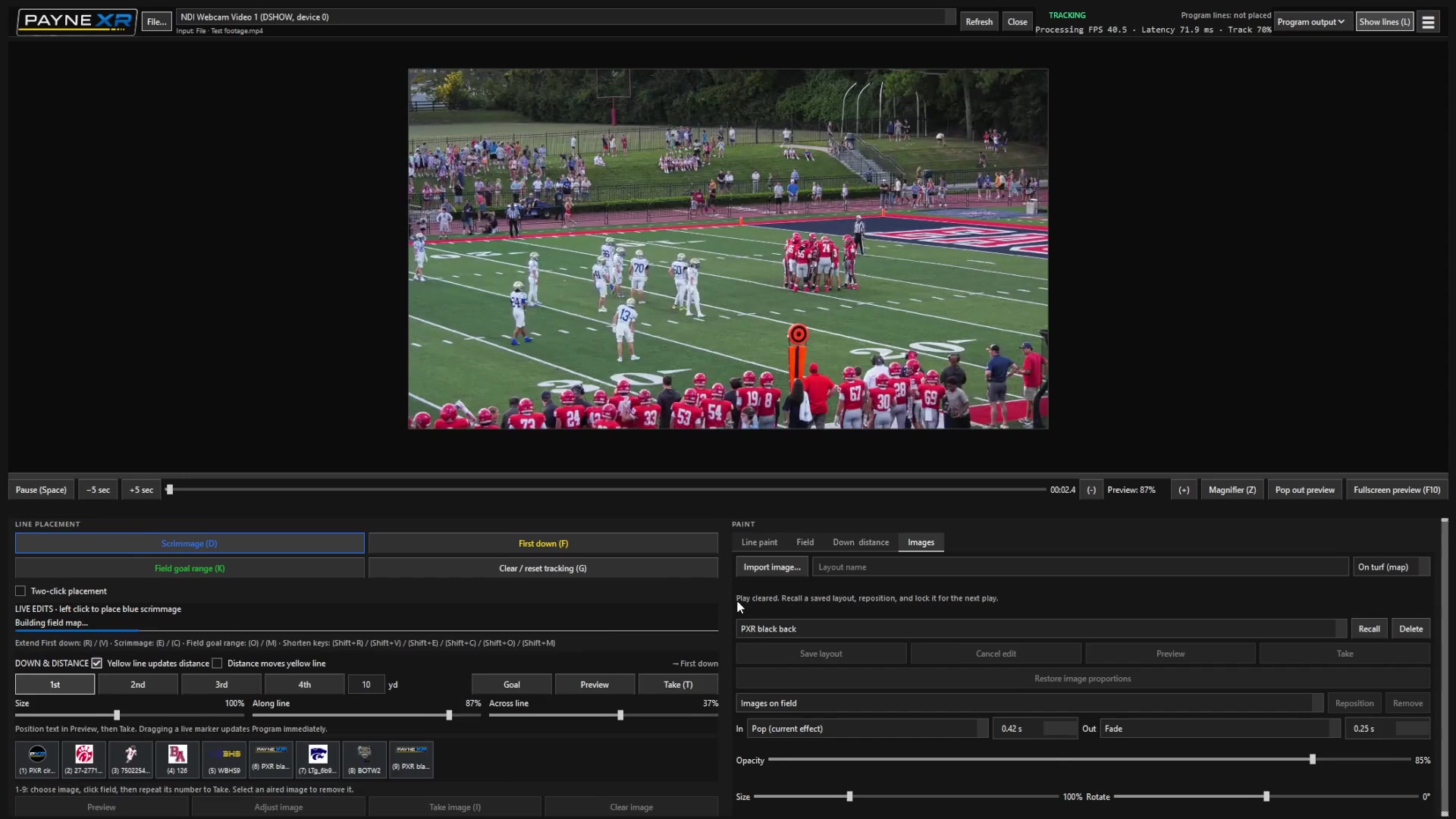
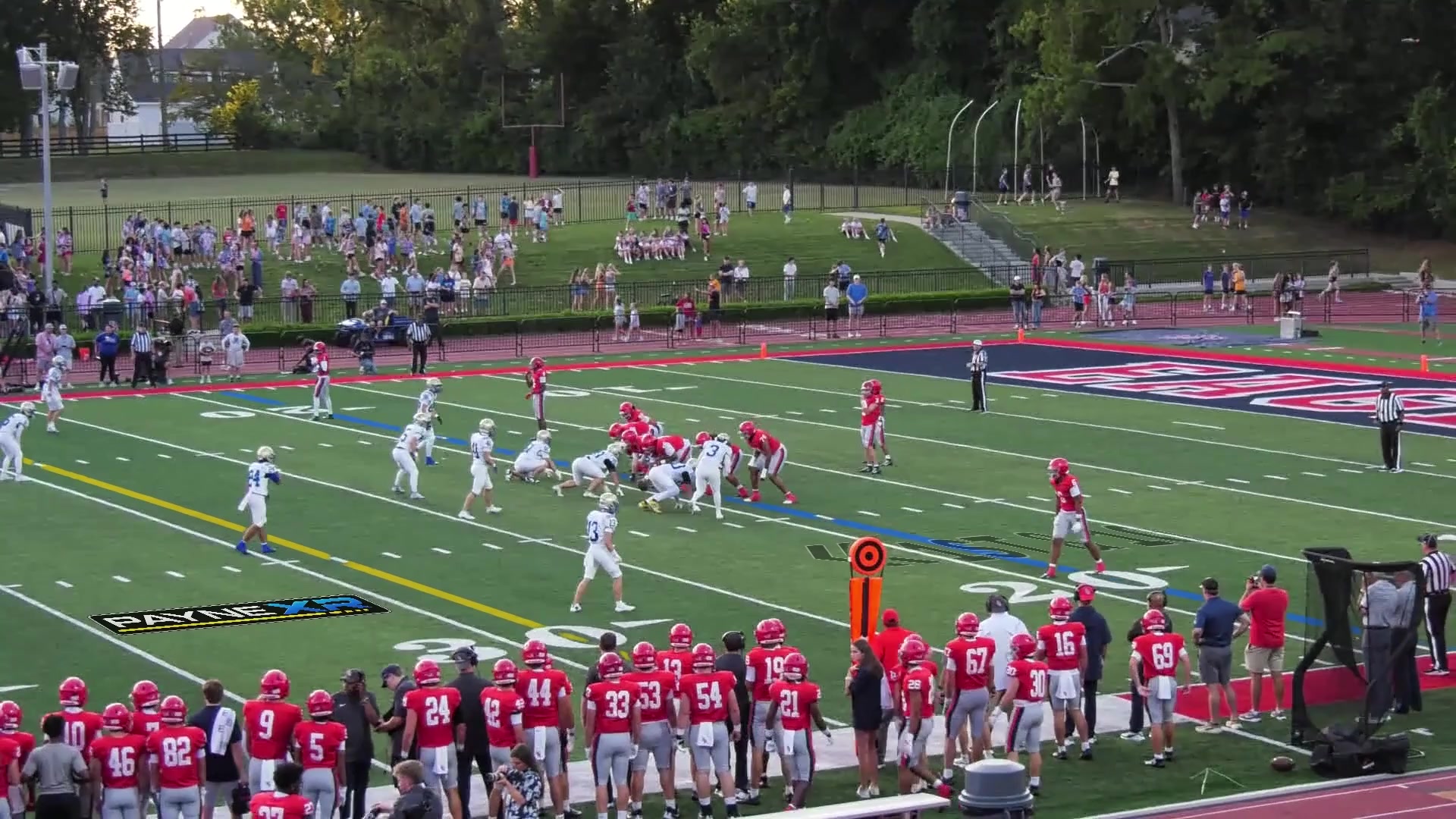
SubscribePayneXR adds first-down and scrimmage lines, logos, sponsor images, and custom field graphics to your live football broadcast—without extra camera tracking hardware.
Seven days. No card required.
More than the first-down line
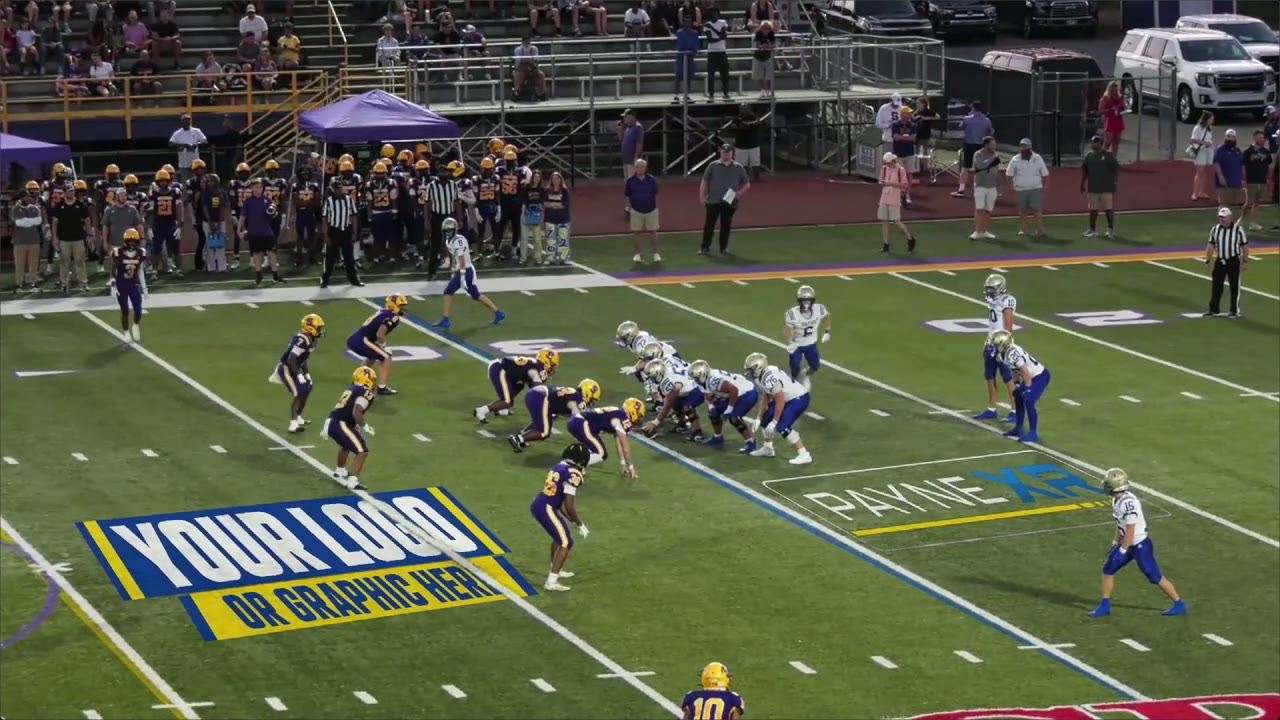
Place team logos, sponsor graphics, event artwork, or your own images on the turf. PayneXR keeps them in perspective as the camera moves.
See how it fits your setupFrom camera to air
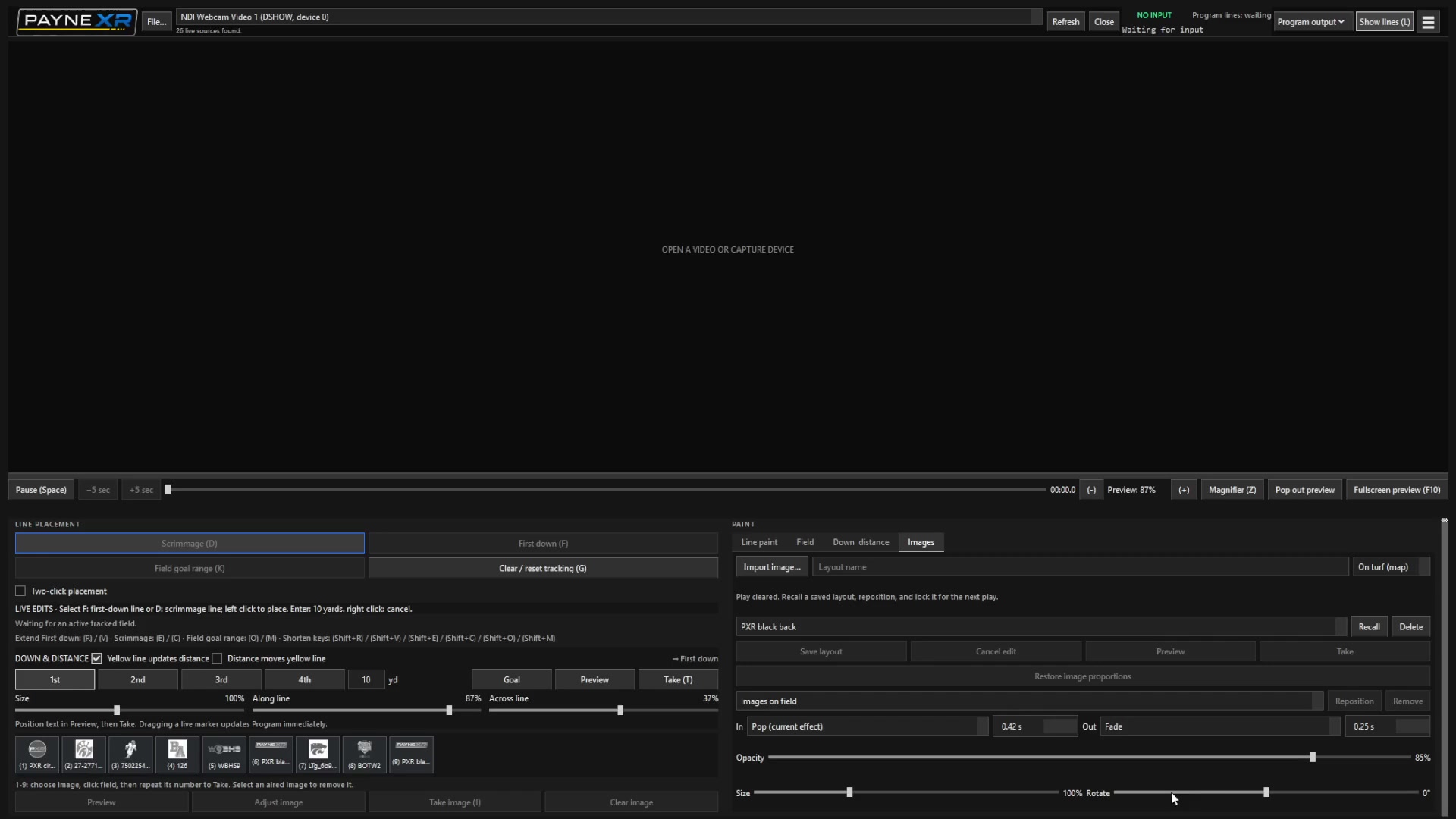
Use the camera and production setup you already have. PayneXR adds the on-field graphics between them.
PayneXR tracks the field from the camera image alone. There is no separate camera tracker to install or align.
See the full setupSOURCE / INPUT
Choose a connected capture device, DeckLink input, or NDI source. You can also open a video file to rehearse.
PayneXR licensing
Subscribe for the time you need, or purchase a perpetual license.
The seven-day trial starts when an eligible service account is created. No card is required, it does not become a paid plan, and no automatic charge occurs when it ends.
Weekly, monthly, and six-month purchases renew only when you affirmatively select automatic renewal at checkout; the choice is unchecked by default. Cancel before renewal to stop future charges, with access continuing through the paid period. Technical refunds and mandatory rights are explained in the policy.
Windows 10 or 11 · NVIDIA graphics · View system requirements
Use these hardware guidelines to plan your broadcast setup. The 720p30 and 1080p60 labels describe target video formats, and actual performance depends on your complete production setup.
FPS output is not guaranteed. Actual frame rate varies with your computer, video source, capture device, graphics, and other running software. The listed resolutions and frame rates are targets; the recommended setup does not guarantee sustained 50 or 60 FPS.
A stable progressive camera feed is important at either resolution. Test your complete camera, capture device, PayneXR, and broadcast output together before game day.
No. PayneXR can follow the field from the camera image, without separate tracking hardware.
Yes. The software is designed to keep your field graphics in place while the camera moves.
Yes. After first activating online with PAYNEXR 1.3.13 or later, a perpetual license works offline with no expiration on that computer. Connect the old computer to release its activation before moving to another computer. Contact support if the old computer is lost or broken. Time-limited plans and trials require an online check at least every 48 hours, or before their access expires if sooner.
Yes. PayneXR comes with a 7-day free trial before you choose a license.