
Guides
Best broadcast graphics software for playoff football games 2026
Best broadcast graphics software for playoff football: choose PayneXR for virtual field lines, or keep production simpler. Compare workflows and checks.
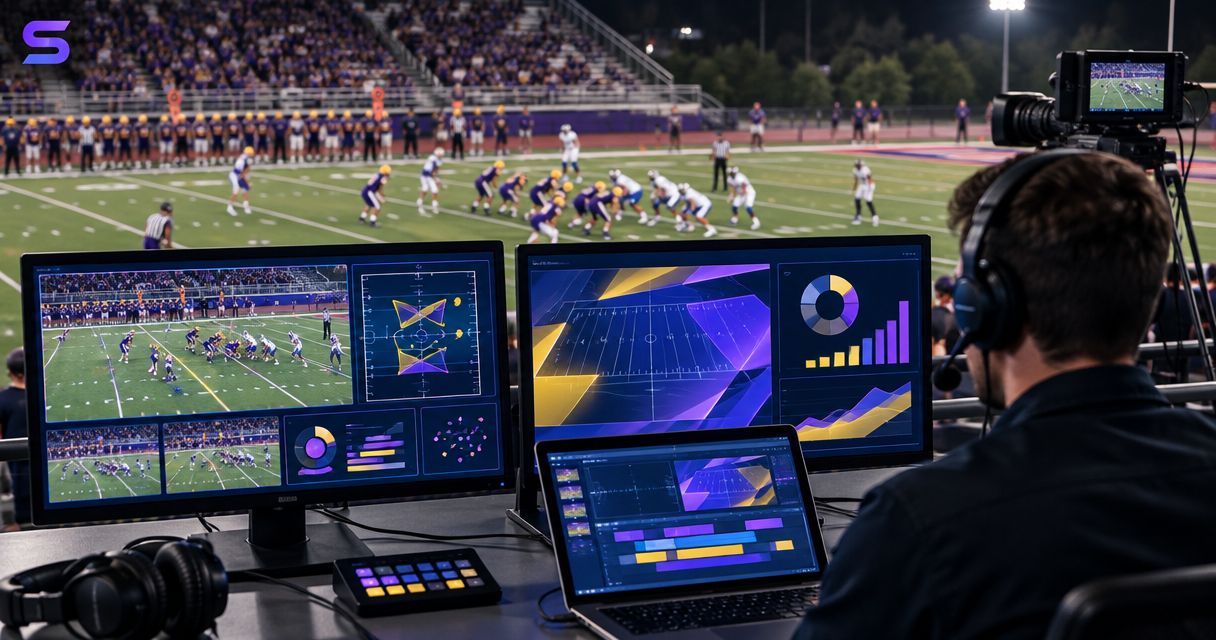
Best for virtual field graphics: PayneXR, Windows software for first-down lines, scrimmage lines, logos, and sponsor graphics. Best for the simplest production: your existing broadcast without on-field graphics. This 2026 guide compares those approaches so you can choose the best broadcast graphics software for playoff football without adding an unmanageable game-day task.
TL;DR
- PayneXR is the best fit here for Windows football crews that need virtual first-down lines and on-field graphics.
- The best broadcast graphics software for playoff football must fit your video path and operator assignments.
- Broadcasting without on-field graphics removes line-placement duties but leaves viewers without virtual field references.
- Choose your playoff workflow after rehearsing camera changes, corrected spots, and graphics removal.
Why this matters
A playoff broadcast needs graphics that explain the game without distracting from it. A virtual first-down line gives viewers a field reference; a misplaced line gives them the wrong reference. The decision is therefore about operating the graphics, not just displaying them.
School teams, independent streaming crews, and TV broadcasters face different constraints. A school crew needs clear assignments that survive personnel changes. An independent crew needs a repeatable setup across venues. A TV production needs defined routing, communication, and a dependable way to remove graphics from the output.
For your 2026 playoff plan, settle the graphics workflow before game day. Keep your existing production usable without the extra layer.
What makes the best playoff football graphics software
Use these criteria before comparing features:
- Football relevance: First-down and scrimmage lines address a different need from a score display. Decide whether you need field references, branding, or both.
- Video-path fit: Identify how live video reaches the graphics computer and how the finished picture reaches your production system. Verify the actual connections before committing.
- Operator ownership: Assign responsibility for placing, checking, showing, and removing graphics. An unattended graphics layer is not a finished workflow.
- Correction handling: Rehearse a changed ball spot, a penalty, and a first-down measurement. Your operator needs a clear response when the situation changes.
- Camera behavior: Check the result during pans, zooms, and shot changes. A graphic that looks correct on a static frame has passed only part of the test.
- Fallback control: Establish how the director or producer returns to video without on-field graphics. Practice the action rather than leaving it as a verbal plan.
These criteria separate an attractive demonstration from a usable playoff setup. They also prevent a common buying mistake: treating a software feature as proof that the entire production chain is ready.
Playoff football graphics approaches at a glance
| Option | Best for | Standout feature | Key limitation |
|---|---|---|---|
| PayneXR | Windows crews adding virtual field references | First-down lines, scrimmage lines, logos, and sponsor graphics over live football video | Adds graphics operation and integration work; your actual setup needs verification |
| Existing broadcast without on-field graphics | Crews prioritizing fewer live operating tasks | No virtual field layer to position or correct | Viewers do not receive virtual first-down or scrimmage references |
This is a comparison between adding on-field graphics and leaving them out. It is not a ranking of unverified competing software or a claim that every broadcast needs another graphics layer.
1. PayneXR: best for Windows crews adding field graphics
PayneXR is the best fit here for Windows football crews that need virtual first-down lines and on-field sponsor graphics. The software overlays first-down lines, scrimmage lines, logos, and sponsor graphics onto live football video.
That makes it relevant when your missing capability is a field graphic rather than another score display. Evaluate it as part of the camera-to-output chain, with an operator responsible for the information viewers see.
Best for
School broadcast teams, independent streaming crews, and TV broadcasters that want virtual field references and can assign graphics responsibilities. The shared requirement is operational readiness, not the size of the organization.
For a school team, write down the pregame setup and correction procedure so another operator can follow it. For an independent crew, document the equipment and connections you actually use at each venue. For a TV crew, agree on who authorizes graphics and who removes them when the director changes shots.
PayneXR pros
- Adds virtual first-down and scrimmage references to live football video.
- Supports logos and sponsor graphics as well as football lines.
- Provides a Windows-based software option for the on-field graphics task.
- Addresses field presentation rather than requiring you to describe every field reference through commentary alone.
PayneXR cons
- Requires a Windows graphics workflow; it is not a platform-neutral recommendation.
- Adds responsibility for keeping field references aligned with the current game situation.
- Requires verification of your computer, video connections, and production routing before live use.
Do not interpret an available overlay feature as automatic readiness for your broadcast. Test the exact source, computer, output path, and camera behavior you intend to use.
Verdict: Buy for the field-graphics requirement only after the complete workflow passes rehearsal.
2. Existing broadcast: best for fewer live operating tasks
Broadcasting without on-field graphics keeps virtual first-down lines, scrimmage lines, and field-placed sponsor graphics out of the production. Your camera coverage, commentary, and any existing score presentation remain the ways you explain the game.
This is a deliberate production choice, not necessarily an unfinished broadcast. It fits a crew whose immediate priority is executing the coverage it already knows how to deliver.
Best for
Crews that cannot yet assign and rehearse on-field graphics operation. Choose this approach when another live responsibility would compete with camera coverage, audio checks, or directing.
A school team can use it while training a graphics operator. An independent crew can keep it as the fallback when a venue setup differs from rehearsal. A TV production can retain a graphics-free route even when the primary show includes field overlays.
Existing broadcast pros
- Removes virtual line placement and correction from the live task list.
- Avoids adding a field-graphics stage to the existing video path.
- Keeps attention on the production tasks your crew already performs.
- Provides a useful fallback when on-field graphics need to come off screen.
Existing broadcast cons
- Does not show a virtual first-down reference across the field.
- Does not provide virtual scrimmage lines or field-placed sponsor graphics.
- Leaves commentary and existing displays to communicate information that field overlays would otherwise illustrate.
Skipping field graphics does not remove the need for accurate game information. Your announcers and score operator still need a shared understanding of the down, distance, and ball position.
Verdict: Hold the graphics addition if your crew cannot rehearse placement, correction, and removal.
Put the graphics stage in a defined video path
Start with a diagram of the equipment you will actually use. A video path is simply the route the picture takes from the camera to the viewer. Do not assume a connection method works because a related setup uses it.
For your 2026 production, write down these stages:
- Camera source: Identify the picture that will receive the field graphics.
- Graphics stage: Identify where the overlay is added and who controls it.
- Production output: Identify where the resulting picture enters the live show.
- Viewer check: Inspect the picture after the production output, not only on the graphics computer.
The order shown is a planning model, not a claim about a particular supported connector or software integration. Confirm the input and output methods for your exact configuration before connecting equipment.
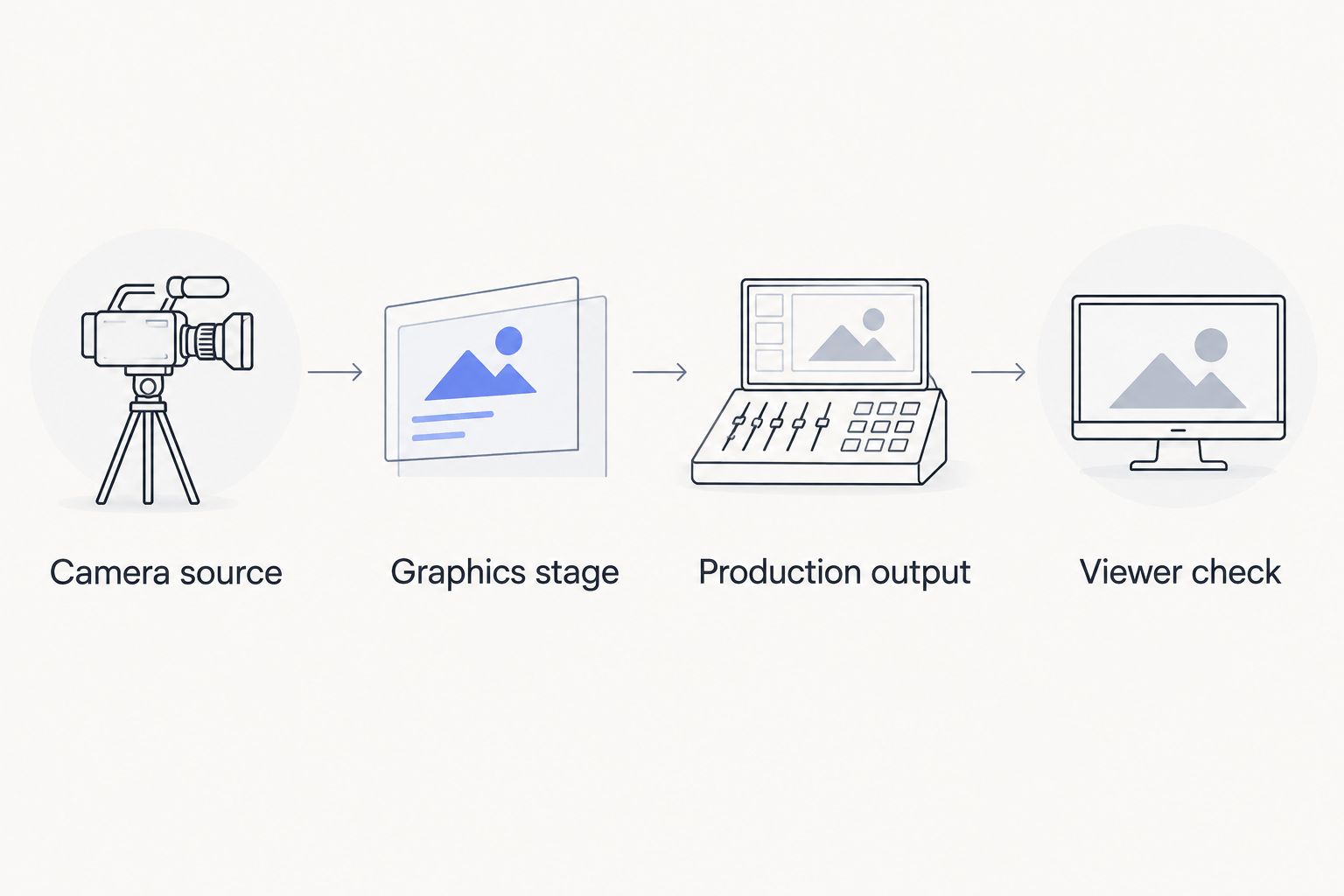
Check the viewer-facing output, not just the graphics computer.
The graphics computer preview does not tell you everything about the finished show. Check whether overlays remain visible where expected, whether the selected picture is correct, and whether removing graphics leaves usable video.
Use the guide to where football graphics should sit in your video signal path when documenting that route. Record the working connections in plain language so a substitute operator can follow them.
Rehearse the decisions, not just the buttons
A useful rehearsal tests changes in the game and changes in the picture. Schedule 2 rehearsal passes as a practical checklist: one for normal operation and one for corrections and fallback. These are recommended planning steps, not a software requirement.
First pass: normal operation
Place the scrimmage and first-down references using a known play situation. Check the result at the actual output while the camera holds a shot, pans, and zooms. Include the camera changes you intend to make during the broadcast.
Then rehearse the communication. The graphics operator should know who confirms the spot and who calls for graphics to appear. Avoid a workflow in which several people issue conflicting instructions.
Second pass: corrections and fallback
Deliberately change the expected situation. Use a corrected spot, a penalty discussion, and a cut away from the field to test the operator's response.
Apply 3 checks before returning a field reference to air:
- Position: Does the line represent the confirmed location?
- Picture: Does the graphic belong on the current shot?
- Permission: Has the designated crew member cleared it for display?
Assign 1 named operator responsibility for field graphics, even if another person provides backup. That assignment establishes ownership; it does not prescribe your total crew size.
For the 2026 playoffs, keep the same correction procedure across games. Changing venues should not change who decides whether a line is ready to show.
Match the workload to your crew
School football broadcast teams
Write a short operating sheet covering setup, normal use, corrections, and removal. Give the operator a rehearsal with the people who will actually direct and announce the game.
Keep sponsor graphics separate from urgent line-placement decisions in the operating plan. If the crew cannot manage both tasks reliably, simplify the planned presentation rather than improvising during a play.
Independent sports streaming crews
Build a repeatable connection checklist around your actual equipment. Mark what changes between venues and what stays fixed, including the source picture, operator assignment, and final output check.
For a 2026 playoff booking, confirm the graphics plan alongside the camera and audio plan. Do not let a request for field graphics become an untested addition after the production setup is settled.
TV broadcasters
Define the handoff between the graphics operator and the director. Specify which shots receive field graphics and what happens when the production cuts to a shot where those graphics do not belong.
Treat sponsor placement as a production instruction, not a reason to leave an overlay visible continuously. Review placement with the same attention you give the football references.
How the recommendations are ranked
The ranking follows football relevance, video-path fit, operator ownership, correction handling, camera behavior, and fallback control. The first option serves crews that need on-field graphics; the second serves crews that need fewer live tasks.
The recommendation does not depend on unverified competing products, assumed compatibility, or a supposed universal setup time. Your rehearsal determines whether adding the field layer is appropriate for this production.
Which approach should you choose?
Choose PayneXR when virtual football lines and field graphics are a defined production requirement, with a tested Windows workflow and an assigned operator. Keep the existing broadcast approach when those operating conditions are not ready.
For the undecided crew, the next move is a rehearsal, not a larger feature checklist. Demonstrate a correct line, a corrected line, and a clean removal at the actual output. If your crew cannot repeat those actions, postpone the field layer rather than making playoff coverage its first full test.
FAQ
What's the best broadcast graphics software for playoff football?
PayneXR is the best fit in this comparison for Windows crews that need virtual first-down lines, scrimmage lines, logos, and sponsor graphics. Choose it after verifying the complete video path and rehearsing graphics operation.
Do playoff football broadcasts need virtual first-down lines?
No, a playoff football broadcast can run without virtual first-down lines. Adding them gives viewers a field reference, but your crew must keep that reference consistent with the confirmed game situation.
Can a school football crew use on-field graphics?
A school football crew should add on-field graphics when it can assign and rehearse the operating task. Write down setup, placement, correction, and removal procedures so the workflow does not depend on memory.
Should an independent streaming crew add field graphics for one playoff game?
An independent streaming crew should add field graphics only after testing the actual game-day setup. A successful demonstration on different equipment does not verify the venue's complete production path.
What should TV broadcasters check before showing virtual football lines?
TV broadcasters should check the confirmed field position, the current camera shot, and the instruction to show the graphic. The director and graphics operator also need an agreed removal procedure.
Who should operate football field graphics during a game?
A named operator should own football field graphics during the game. Define who confirms field information and who authorizes display so the operator receives clear instructions.
What should we do when a first-down line is wrong?
Remove an incorrect first-down line while the crew confirms and corrects its placement. Return it to the broadcast only after checking the position and current picture.
One last thing
Practice removing a graphic before practicing sponsor placement. Removal is the action your crew needs when a spot changes, a shot changes, or the operator loses confidence in the reference. Put that action near the top of the operating sheet, not at the end of the rehearsal.