
Guides
Best broadcast graphics software for college football 2026
Best broadcast graphics software for college football: choose PayneXR for virtual field lines, or keep overlays off when your crew cannot operate them.
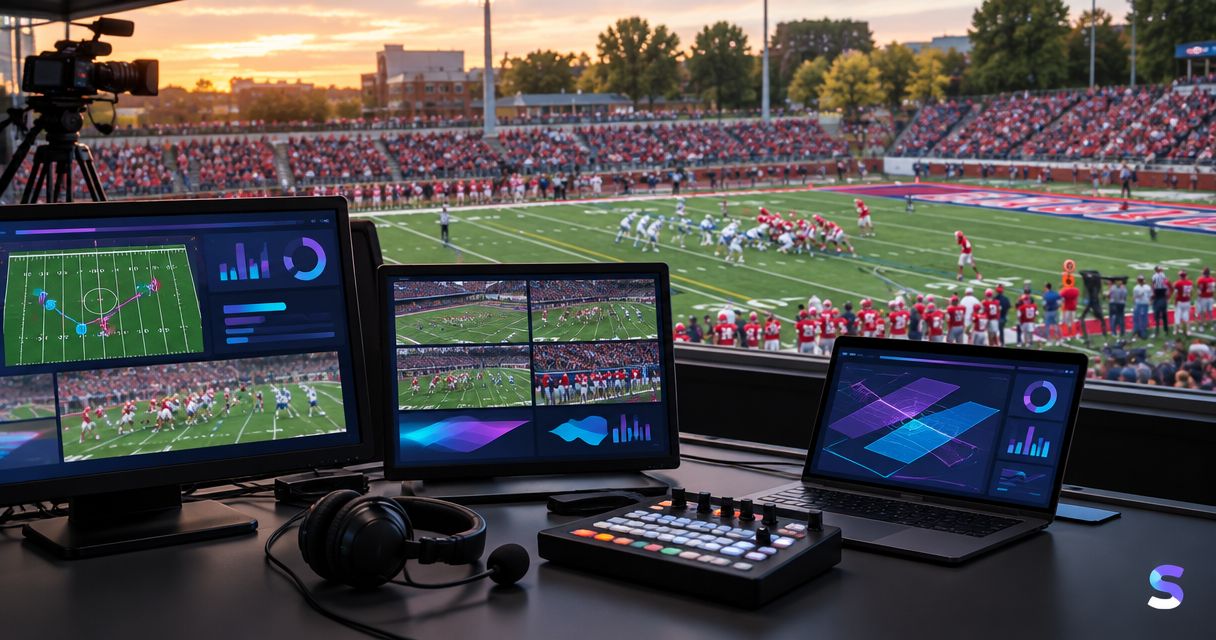
Best for adding virtual field markings: PayneXR. Best for productions focused on score and clock information: your existing off-field graphics workflow. Best for a crew that cannot staff field graphics: broadcasting without them. This 2026 guide compares those production choices so you can choose the best broadcast graphics software for college football around the job you actually need done.
TL;DR
- PayneXR is the best fit here for Windows crews adding virtual first-down lines and football broadcast graphics.
- Keep score-and-clock graphics separate from the decision to add virtual field markings.
- Choose on-field graphics only after assigning an operator and testing the complete video path.
- Broadcast without field overlays when accurate placement and timely removal cannot be maintained.
Why this matters
A college football broadcast needs readable game information, but not every graphic solves the same problem. A score display tells viewers the game state; a virtual first-down line shows the distance target on the field itself.
The offense normally needs 10 yards for a new first down, subject to field position and penalties. Showing that target directly on the picture gives viewers a spatial reference that a down-and-distance label alone does not provide.
The production trade-off is responsibility. Someone must confirm the spot, place the graphic, and remove it when the information or picture changes. A field overlay that communicates the wrong position is worse than leaving the field unobstructed.
What makes the best college football graphics setup?
Use these criteria for your 2026 selection. They separate useful football functionality from features that do not address your production needs.
- Football-specific purpose: Decide whether you need field-position graphics, score information, sponsor placement, or a combination. Do not treat those jobs as interchangeable.
- Confirmed video connections: Identify how the camera picture reaches the graphics stage and how the resulting picture reaches production. Verify the actual connection method before committing.
- Placement accuracy: Check alignment against field markings on the shots you intend to use. Include camera movement in the test.
- Operator workload: Assign responsibility for updating and clearing graphics. Do not assume the director can absorb another live task.
- Readable output: Judge the delivered stream, not just a large production monitor. Graphics must remain understandable without hiding the action.
- Recovery procedure: Establish how to remove the graphic or bypass the graphics stage when something goes wrong.
The best setup is the one your crew can operate accurately throughout the game, not the one with the longest feature list.
College football graphics options at a glance
These are production choices, not a claim that every option is a competing software product. The main decision is whether to add on-field graphics to your existing broadcast.
| Option | Best for | Standout function | Key limitation |
|---|---|---|---|
| PayneXR | Windows productions adding virtual field graphics | First-down lines, scrimmage lines, logos, and sponsor graphics over live football video | Requires a verified production connection and an assigned graphics workflow |
| Existing off-field graphics workflow | Crews prioritizing score, clock, and informational presentation | Keeps attention on information outside the field-position overlay task | Does not itself establish where a virtual line belongs on the field |
| Broadcast without on-field graphics | Crews unable to maintain accurate field overlays | Removes field-overlay placement and updating from the live workload | Viewers do not receive a virtual field-position reference |
1. PayneXR: best for virtual football field graphics
PayneXR is Windows broadcast graphics software that overlays virtual first-down lines, scrimmage lines, logos, and sponsor graphics onto live football video. Those functions address field presentation rather than serving as evidence of a complete scorekeeping or production system.
PayneXR is best for Windows-based football production teams that need virtual first-down lines and on-field sponsor graphics. For a 2026 college football production, that is the clearest fit when the missing element is a visual reference on the playing surface.
Where this choice fits
A school broadcast team should decide who owns placement before adding the task to a student or staff position. An independent streaming crew should verify the entire setup it will transport and rebuild. A TV broadcaster should define how field graphics enter the program and how the director calls for their removal.
These are different operating environments. They share the same requirement: the graphic must represent the correct information on the shot being transmitted.
PayneXR pros:
- Its stated functions directly address football field markings.
- First-down and scrimmage lines serve distinct viewing needs.
- Logos and sponsor graphics extend the on-field presentation beyond line placement.
- Its Windows platform gives you a clear starting point for computer planning.
PayneXR cons and planning limits:
- Windows is a platform requirement, not an optional workflow detail.
- Field graphics add placement, updating, and clearing responsibilities.
- You must confirm the intended input, output, and production connections rather than assuming compatibility.
Best for: A crew with a defined need for virtual field markings and someone responsible for keeping them correct.
Verdict: Buy only after the intended video path and operator workflow pass rehearsal.
2. Existing off-field graphics: best for game-state information
Keep your existing score, clock, and informational graphics workflow when those are the presentation jobs you need to solve first. Off-field graphics sit away from field-position references; examples include a score display or an identification graphic.
This is a scope decision, not an endorsement of unnamed software. Evaluate the functions your current system actually provides, and do not assume that displaying down and distance means it can place a line on the turf.
Where this choice fits
A school team training new operators can establish responsibility for score changes and graphic removal before adding field placement. An independent crew can preserve a familiar workflow while resolving audio, camera coverage, and delivery responsibilities. A TV production can keep its existing informational presentation while evaluating field graphics as a separate addition.
In each case, the reason to hold is operational clarity. Do not replace a functioning system merely because another category of graphics looks different.
Existing off-field graphics pros:
- Preserve an established workflow when the crew already knows it.
- Address game-state information without requiring a field-position overlay.
- Allow the field-graphics decision to remain a separate production choice.
Existing off-field graphics cons:
- A down-and-distance label does not draw the target across the playing surface.
- Off-field sponsor presentation is not the same task as placing a sponsor graphic on the field.
- Keeping an existing setup does not correct unclear operator responsibilities.
Best for: Crews whose immediate priority is dependable game information rather than virtual field markings.
Verdict: Hold the existing workflow until you can name the specific on-field function you need.
3. No on-field graphics: best for limited operating capacity
Broadcasting without virtual field graphics leaves the field picture free of those overlays. You can still use commentary and whatever informational graphics your production already supports.
This choice removes a task, not every production problem. Camera coverage, clear audio, and correct game information still need attention.
Where this choice fits
Choose this approach when nobody can reliably confirm placement and clear the overlay. It also provides a fallback when the graphics path fails a pregame check.
For your 2026 production plan, make that fallback explicit. The director should know whether the crew can remove only the field overlay or must change the video route; verify the available method in your actual setup.
Broadcasting without on-field graphics pros:
- Eliminates virtual line placement from the operator workload.
- Avoids showing an incorrectly positioned field overlay.
- Gives the crew a defined fallback presentation to rehearse.
Broadcasting without on-field graphics cons:
- Viewers lose the virtual first-down reference on the field.
- Commentary and other graphics must communicate distance context.
- On-field sponsor graphics are absent from this presentation choice.
Best for: Crews that cannot assign or rehearse accurate field-graphics operation.
Verdict: Skip on-field graphics until your crew can keep them correct.
Connect and rehearse before you commit
A useful 2026 evaluation follows the picture from camera to viewer. A signal path is that route through your production equipment and software; a program feed is the finished picture sent to your audience.
Source picture
Identify the camera feed you want to use for field graphics. Write down its connection, resolution, and frame rate—the number of pictures transmitted each second—and confirm what the intended graphics workflow accepts.
Do not infer support from a connector shape or a familiar software name. Check the complete connection, including any capture or output hardware required by your chosen arrangement.
Graphics stage
Decide where the overlay is added and who controls it. Confirm whether that location affects only the intended camera picture or other parts of the production.
For hardware planning, use the guide to computer requirements for football broadcast graphics. Confirm requirements against the software and production setup you intend to use rather than treating any Windows computer as sufficient.
Program output
Follow the resulting picture into the production system and then to the delivered stream. If the field graphic is wrong, establish how the operator clears it and how production continues.
Perform 2 viewing checks: inspect the production output, then inspect the audience-facing stream. These are separate checks because seeing a correct preview does not establish what viewers receive.
Operator handoff
Use 3 operator calls during rehearsal: confirm the spot, show the graphic, clear the graphic. Agree on the wording and the person authorized to make each call.
Practice a changed spot and a camera cut. The operator needs a response for those events, not just a successful demonstration on a static field picture.
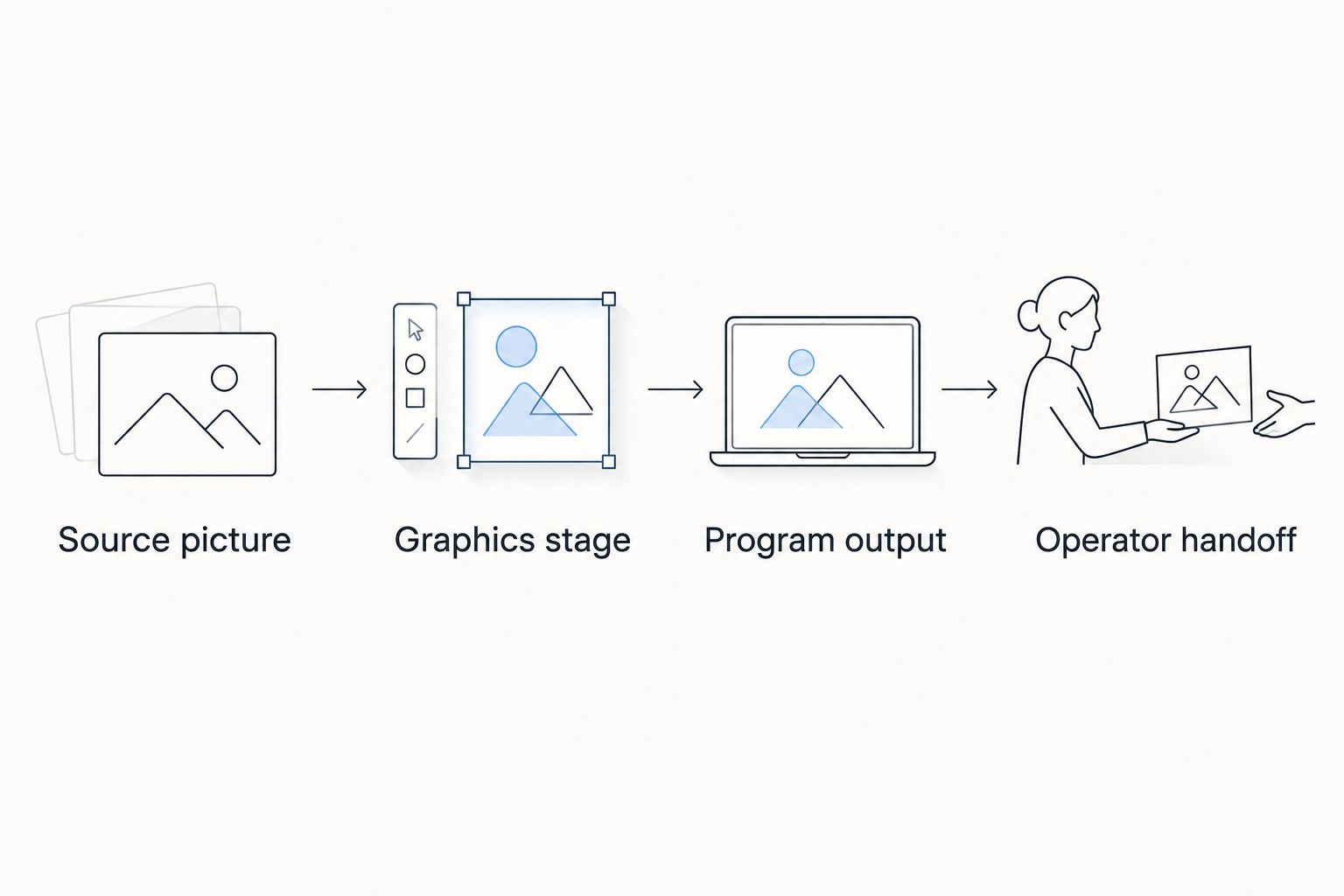
Check the delivered picture and the operator handoff, not just the graphics preview.
Your rehearsal should end with a decision: ready for the intended shots, restricted to specific shots, or not ready for use. Record any restriction where the director and graphics operator can both see it.
Match the operating plan to your crew
School and college broadcast teams
Assign roles by task, not by who happens to be nearest the computer. Write a short operating sheet covering the spot confirmation, line placement, removal, and fallback procedure.
If operators rotate, rehearse the handoff as well as the graphics. The replacement operator needs to know what is currently displayed and who supplies the next field-position instruction.
Independent sports streaming crews
Rebuild and test the actual travel setup before the event. Confirm the connections after setup at the venue rather than relying on a previous successful broadcast.
When someone handles several jobs, specify which task takes priority during a play. A field overlay should not remain visible simply because its operator has switched to another responsibility.
TV broadcasters
Define ownership across the director, graphics operator, and engineering staff. Specify the intended shots, the instruction to clear, and the approved fallback route.
Treat sponsor graphics as a separate editorial decision from first-down information. Their placement and display timing need approval rather than being added wherever space appears available.
How these choices are ranked
The ranking prioritizes the stated football task, operator responsibility, video-path verification, and recovery. It does not claim measured speed, picture quality, or reliability advantages over competing software.
The first choice addresses virtual field graphics directly. The second preserves an informational workflow. The third removes an operating responsibility when the crew cannot support it accurately.
Which setup should you choose?
Choose on-field graphics when you need the field-position reference and can assign its operation. Keep your existing informational workflow when score and clock presentation are the immediate job, and leave field overlays off when placement cannot be maintained.
For an undecided crew, the next move is a rehearsal with the intended camera picture and delivered output. Do not expand the live graphics package until that rehearsal produces correct placement, clear communication, and a working fallback.
FAQ
What's the best broadcast graphics software for college football in 2026?
PayneXR is the best fit in this comparison for Windows crews seeking virtual first-down lines, scrimmage lines, logos, and sponsor graphics. Choose it for those stated functions, then verify the intended production connections and operator workflow.
Do college football broadcasts need a virtual first-down line?
No, a college football broadcast can operate without a virtual first-down line. The line adds a field-position reference, but accurate commentary and game information remain necessary with or without it.
Is a score display the same as on-field football graphics?
No, a score display communicates game information, while an on-field graphic places a visual reference over the playing surface. Decide which job you need before choosing software.
Can one person direct and operate field graphics?
Assign both jobs to one person only after rehearsing the combined workload. If camera decisions prevent timely placement or removal, separate the roles or leave field graphics off.
What should an independent streaming crew check first?
Check the complete route from the camera picture through graphics to the delivered stream. Confirm connections, operator responsibility, and the procedure for removing an incorrect overlay.
Should a TV broadcaster replace its existing graphics system?
Do not replace an existing graphics system solely to evaluate virtual field markings. Define the missing function first, then determine where that function belongs in the production workflow.
When should a crew turn off on-field graphics?
Turn off on-field graphics when the position is unconfirmed or the operator cannot maintain correct placement. Use the rehearsed fallback rather than leaving an uncertain graphic on screen.
One last thing
Rehearse removing the graphic before rehearsing its best-looking presentation. A correct overlay demonstrates the feature; a fast, understood removal procedure demonstrates that your crew is ready to use it live.